Some photographs are planned for weeks. Others happen because a bowl of plums is sitting on the table and the light looks right.
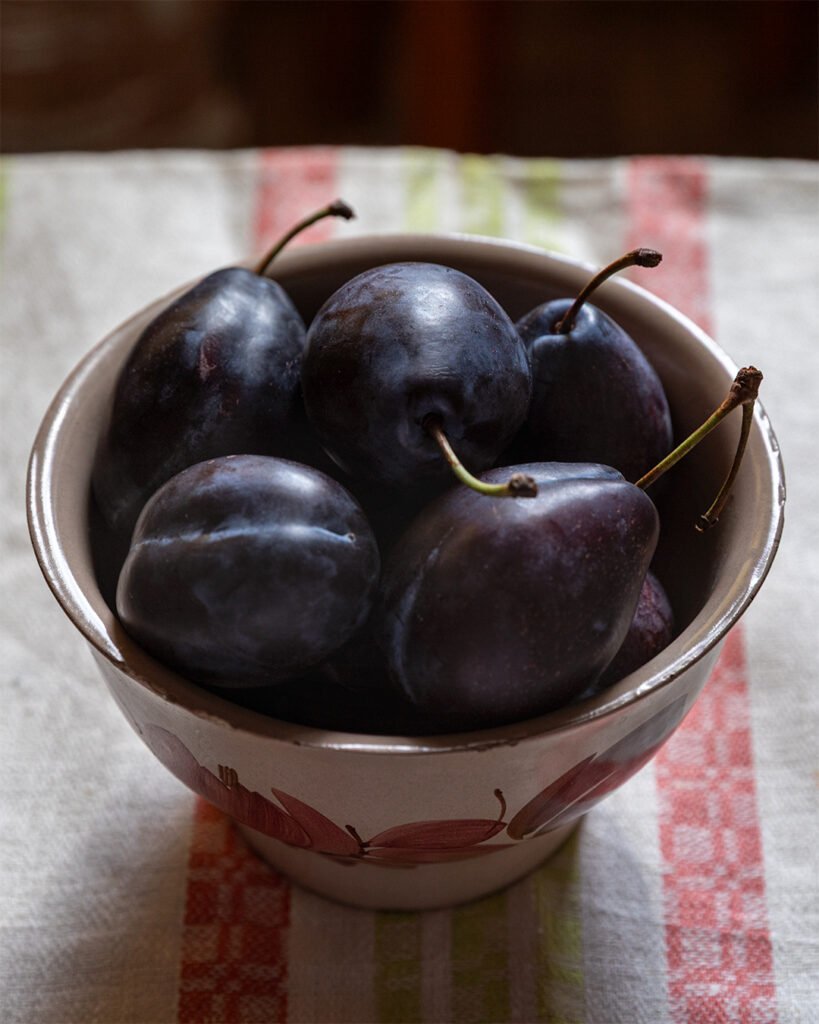
I took this photo in Ukraine, at my father’s apartment. Nothing was styled from a shop or brought in as a prop. It was a bowl on an ordinary kitchen towel, the kind you find in almost every Ukrainian home. That’s what I love about it. Late-summer plums are part of so many Ukrainian memories: jam, varenyky, fruit eaten straight from the bowl. This frame holds a little of that feeling for me.
The plums themselves were beautiful: deep, almost black purple, still covered with that soft dusty bloom, with curved stems that give the whole picture movement. But the photo straight out of the camera didn’t show them the way I saw them. The bright towel pulled all the attention away from the fruit.
Here is how I fixed that in Photoshop.
1. A tighter crop
The original frame had too much towel on both sides. I cropped to a 4:5 portrait format, keeping the dark background at the top for depth and leaving room on the right for the long stem. I unchecked “Delete Cropped Pixels” so I could change my mind later.
2. Darkening the towel
The towel was the brightest area in the photo, and our eyes always go to the brightest area first. I added a Curves adjustment layer, pulled the curve down to darken the whole image, then inverted the mask (Cmdr + I) to hide the effect. With a soft white brush at about 14% opacity, I painted the darkening back in over the towel and the edges of the frame, building it up slowly. The result is a natural falloff of light toward the edges that leads the eye to the bowl.
3. Calming the stripes
The red and yellow-green stripes were lovely but loud. With a Hue/Saturation layer, I lowered the saturation and lightness of the greens so the stripes read as texture instead of graphics. That adjustment also dulled the plum stems, which I wanted to keep fresh, so I painted over them in black on the layer mask to protect them.
4. Opening up the shadows
Some of the lower plums had gone almost completely black. I added a second Curves layer, lifted the shadows slightly, inverted the mask, and painted the effect only onto the darkest plums. Just enough to bring back their shape and that deep purple, without losing the mood.
Before these steps, I also did a little cleanup with the Clone Stamp tool.
The result
Nothing was added and nothing was fake. Every change was about guiding attention: less towel, more plums. All the adjustments are on separate layers with masks, so I can go back and change any of them.
Sometimes the simplest moments make the most personal photographs. This one will always remind me of my father’s kitchen.
You can see more of my dark still life work in my food photography posts.
Before : the original photo
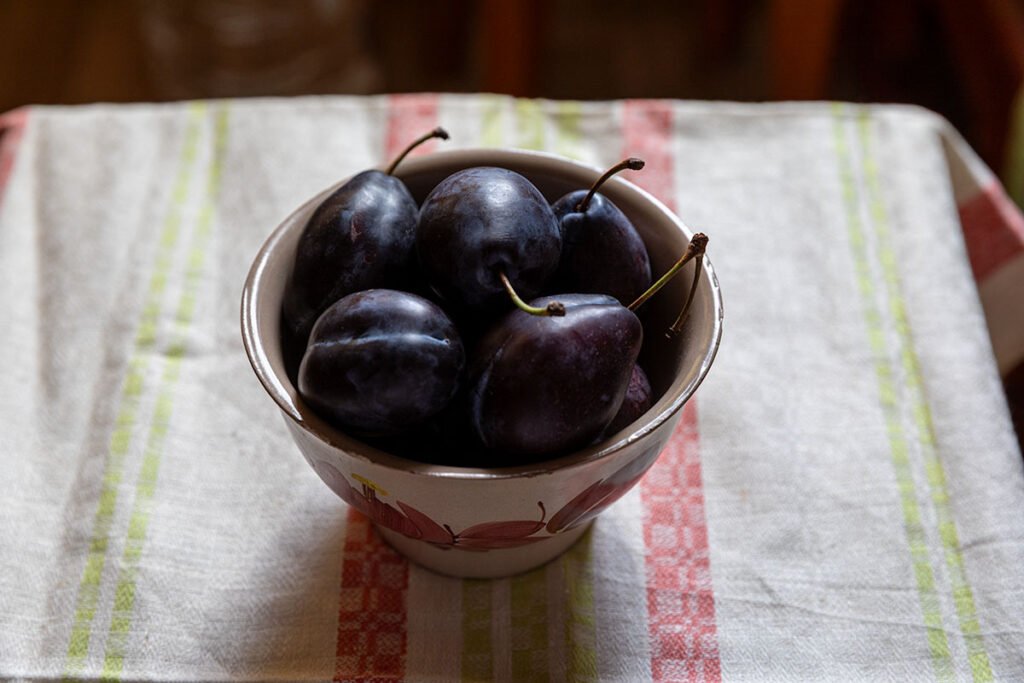
After: tighter crop, darker towel, calmer stripes and richer shadows in the plums.
If you enjoy stories like this, read about my trip to Kraków